
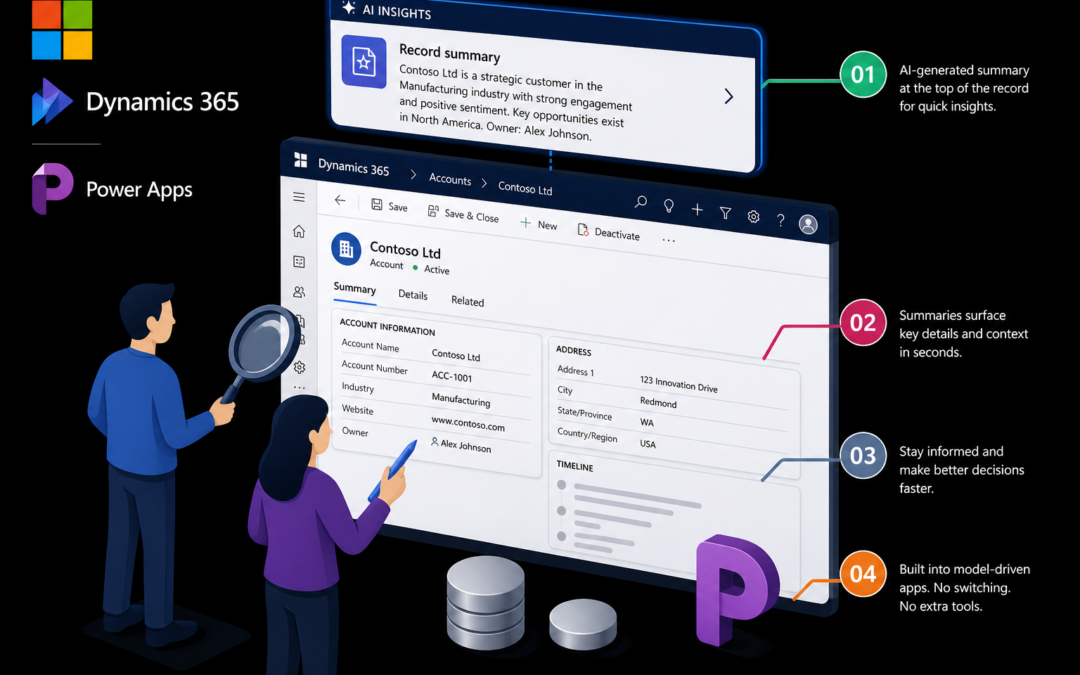
Opening a lead, opportunity or case in Dynamics 365 CE (or any model-driven Power App) usually means scanning fields, the timeline and related records before you know what matters. AI record summaries (also called row summaries) put a short, generated overview in the Insights bar at the top of the main form — or open from a grid via the inline Summary action — so you get the gist without hunting.
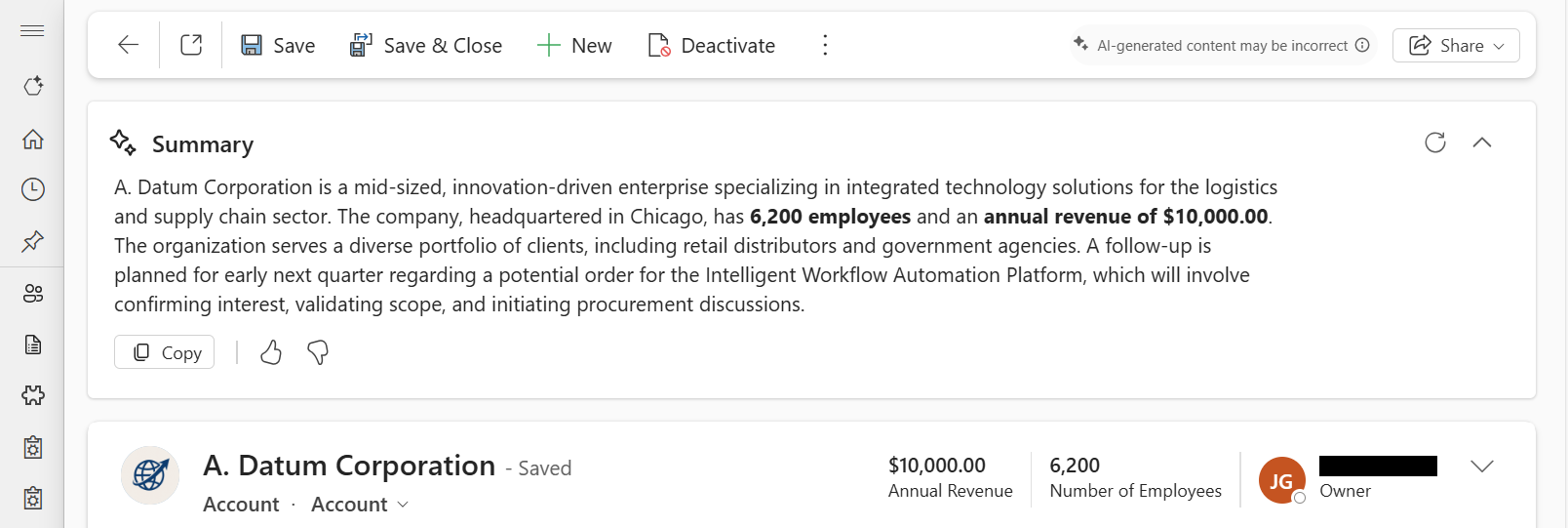
Summaries can appear as a short paragraph or bullets. You can copy the text, regenerate it when the record changes, and give feedback on usefulness. Admins need the environment’s AI insight cards setting on, and each table must be configured for row summaries before users see them on that form.
For CE teams this is most useful on high-churn entities — leads, opportunities, accounts, cases — where context is scattered across activities. It does not replace reading the record; it shortens the “what’s going on here?” moment when you land on a form cold.
If you are planning adoption from the AI at Work roadmap, treat record summaries as a quick win: turn the feature on in a non-prod environment, configure one or two tables your users live in, and check that the monthly release channel / Copilot prerequisites match your tenant before you roll it to production. See Microsoft Learn: record summaries.